
Dell EMC Unity DAE
More capacity. Keep your existing array.
A 25-drive enclosure for a compatible Unity system. Drives and connections are selected for your existing storage array.
Discuss a configuration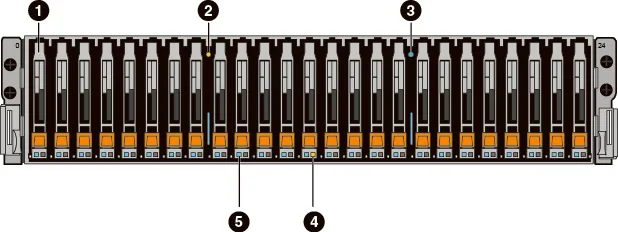
When an array still meets performance needs but capacity is running low, an expansion enclosure may be appropriate. We first check the Unity model, operating environment, available ports and storage pool limitations.
- Enclosure
- 2U, 25 × 2.5″ bays
- Connection
- 12 Gb/s SAS to a compatible Unity array
- Serviceability
- Hot-swappable drives
- Monitoring
- Status indicators and component monitoring
- Role
- Expansion enclosure, not a standalone array
25 × 7.68 TB = 192 TB
Total raw capacity, before RAID, reserves and system overhead.
Part numbers must be checked before ordering
The original request specifies a D4122F enclosure and D4-D2SFXL2-7680 SSDs. Dell’s matrix assigns this SSD model to an 80-slot Unity XT enclosure. That does not establish compatibility with 25 SFF or Unity 600. We do not present this combination as an approved ready-to-order bundle.
We confirm the array model and serial number, Unity OE version, enclosure part number and supported drives. Usable capacity is calculated after selecting data protection.
Open compatibility matrix (PDF)Other options
All Dell storage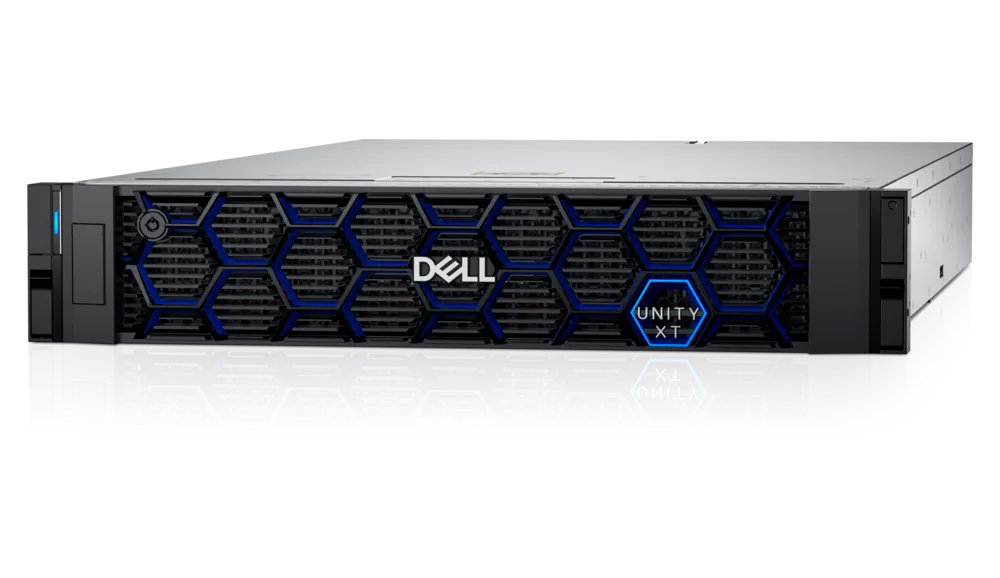
Dell Unity XT 480
A hybrid block and file storage platform for virtualization, shared folders and business applications.
Explore this solution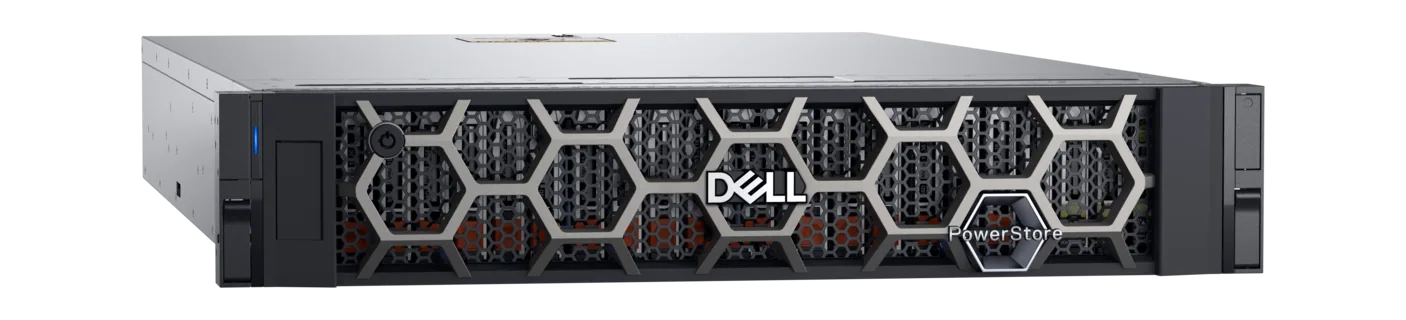
Dell PowerStore 1200T
An all-NVMe flash platform for databases, virtual machines and demanding business services.
Explore this solution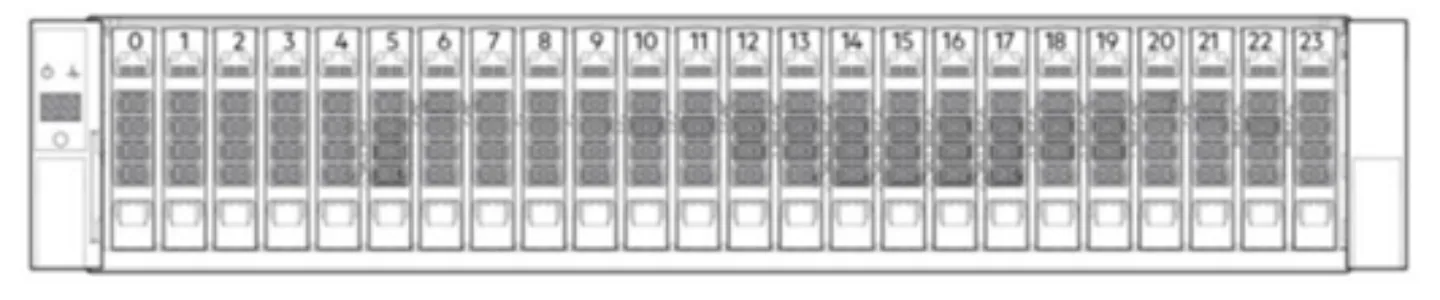
Dell PowerVault ME5024
A compact storage array for server connectivity and shared block storage.
Explore this solutionThese are solution examples, not stock listings. Availability, equipment condition, delivery and support are confirmed in a quotation. Manufacturer images may differ from the selected configuration.
Tell us what you have in mind.
A new system, an infrastructure upgrade or ongoing support — let’s find the right way to work together.